Qflow
Design of a materials verification system improving transparency across construction projects
Overview
Qflow is a construction data platform that helps contractors capture, analyse, and understand materials, waste, utilities, and carbon data from their projects.
One of the key challenges in construction is verifying that the materials delivered to site match what was originally specified during design. Errors or substitutions can have significant impacts on compliance, cost, and sustainability targets.
This project focused on designing a materials verification workflow that allowed teams to capture delivery data directly on site, match it against BIM and project specifications, and surface potential risks in real time.
My contribution
UX strategy
Mobile workflow design
Data visualisation
Design system creation
The team
Company headcount: 50+Product designers: 1
Product managers: 3
Engineering team: 12
Year
Challenge
Construction projects generate huge amounts of data about materials, suppliers, deliveries, and compliance requirements. However, verifying that the correct materials have actually arrived on site is often manual, time-consuming, and prone to error.
Project teams typically rely on delivery notes, spreadsheets, and manual checks to confirm that materials match what was originally specified in the design.
This lack of visibility makes it difficult to detect potential issues early and can create risks around cost, quality, and environmental impact.
The challenge was to design a workflow that allowed site teams to quickly capture delivery information, verify materials against project data, and identify high-risk products in real time.
Approach
User research and a simple capture workflow
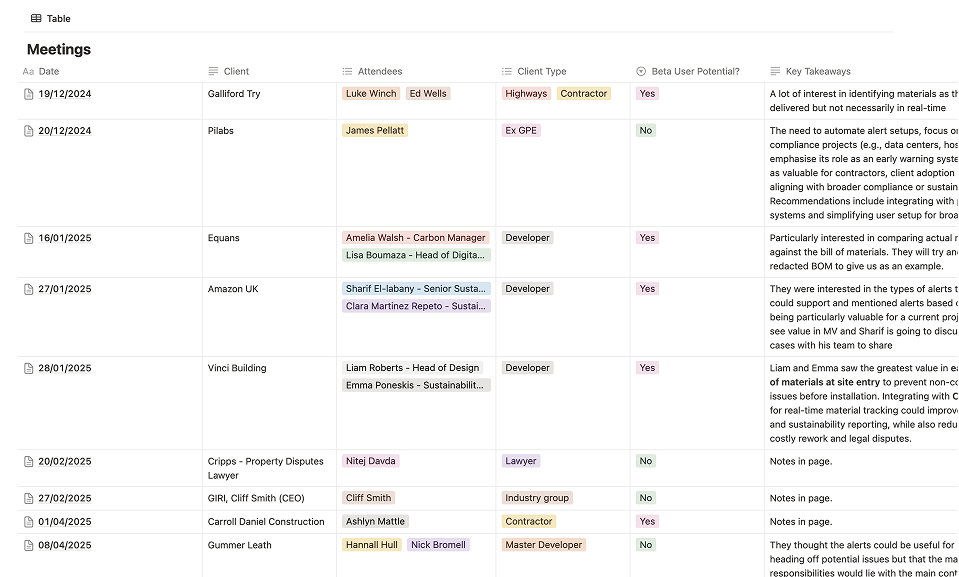
Construction teams often work in fast-paced environments where tools need to be quick and intuitive. To better understand how materials were currently being recorded and verified on site, we conducted user research with contractors and site teams to observe their existing workflows and the challenges they faced when handling delivery documentation.
These insights informed the design of a workflow that allowed users to capture delivery information directly from site using their mobile device. Users could photograph delivery notes and use OCR technology to extract key information automatically, reducing the need for manual data entry.
This allowed delivery information to be captured quickly while ensuring important details such as product names, quantities, and suppliers were recorded accurately.
Designing the verification interface
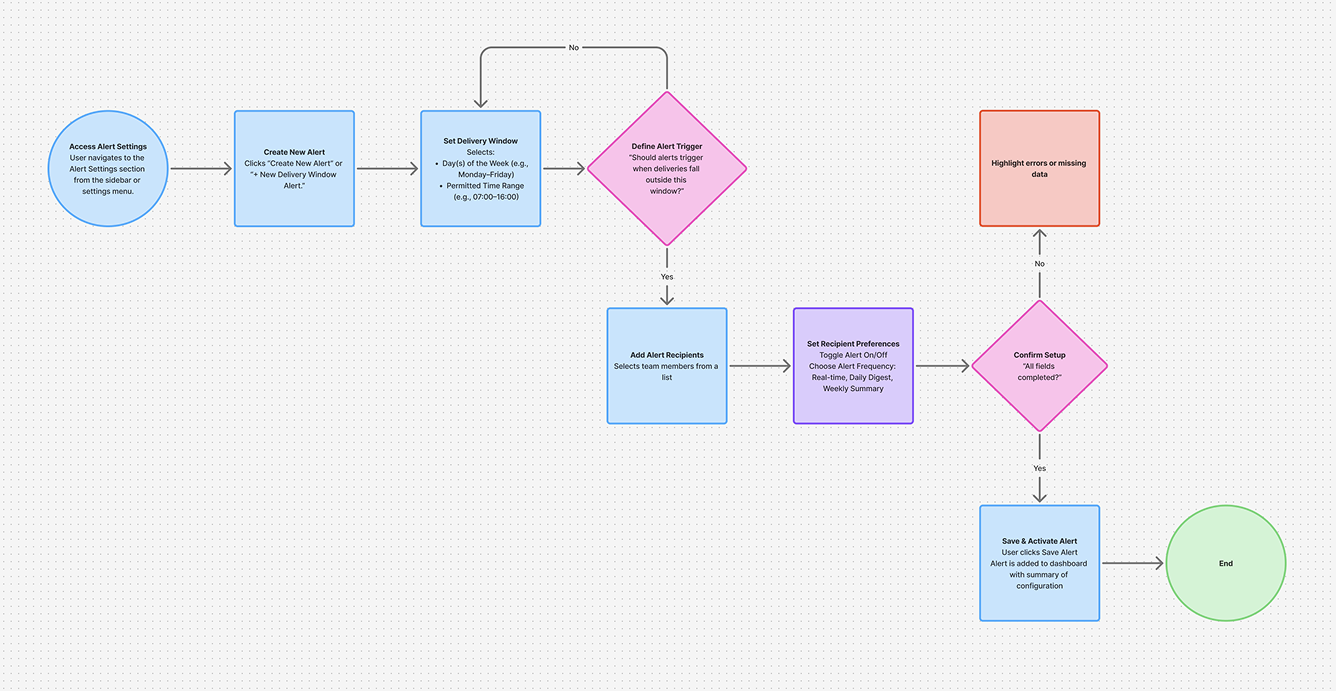
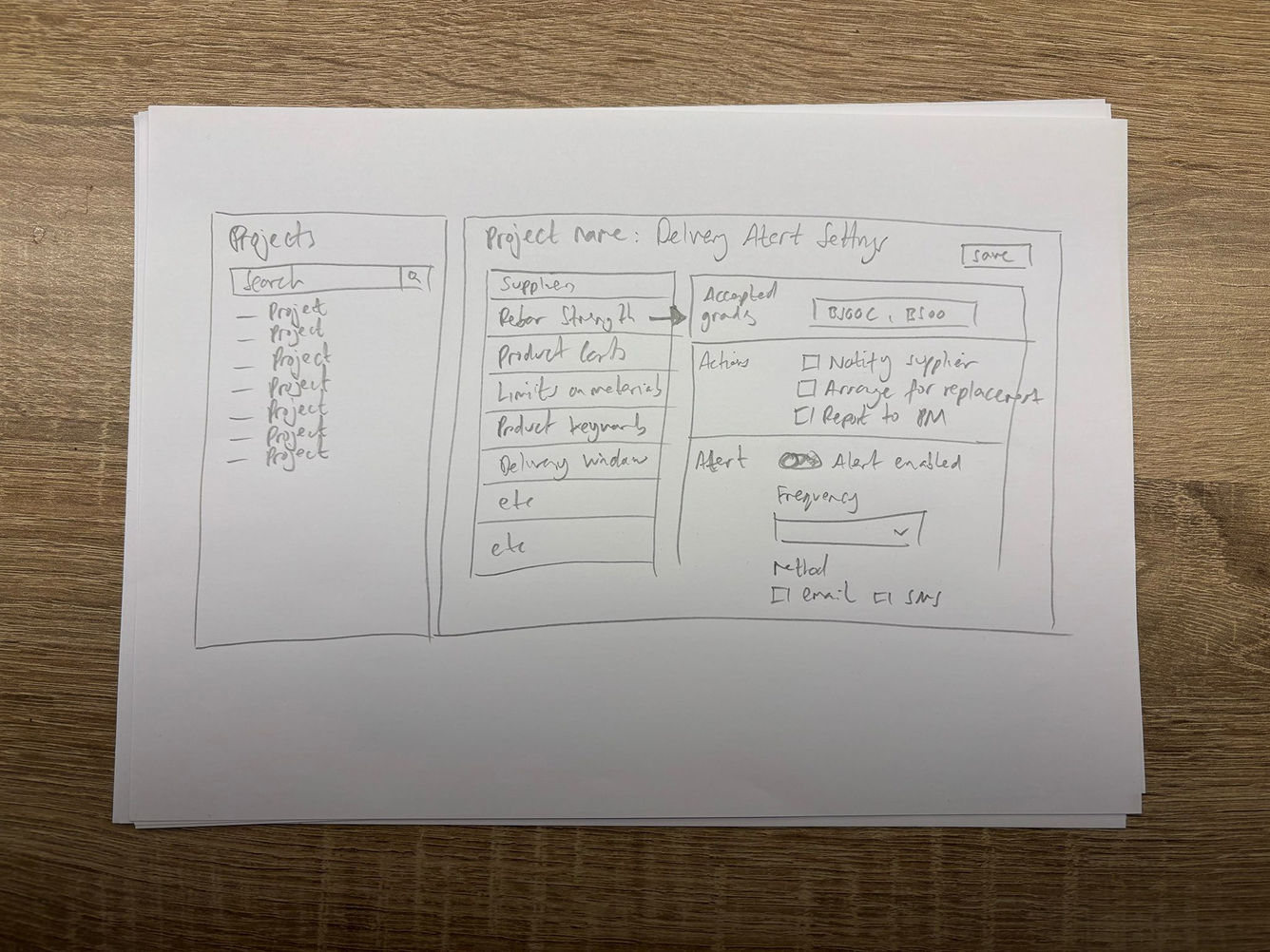
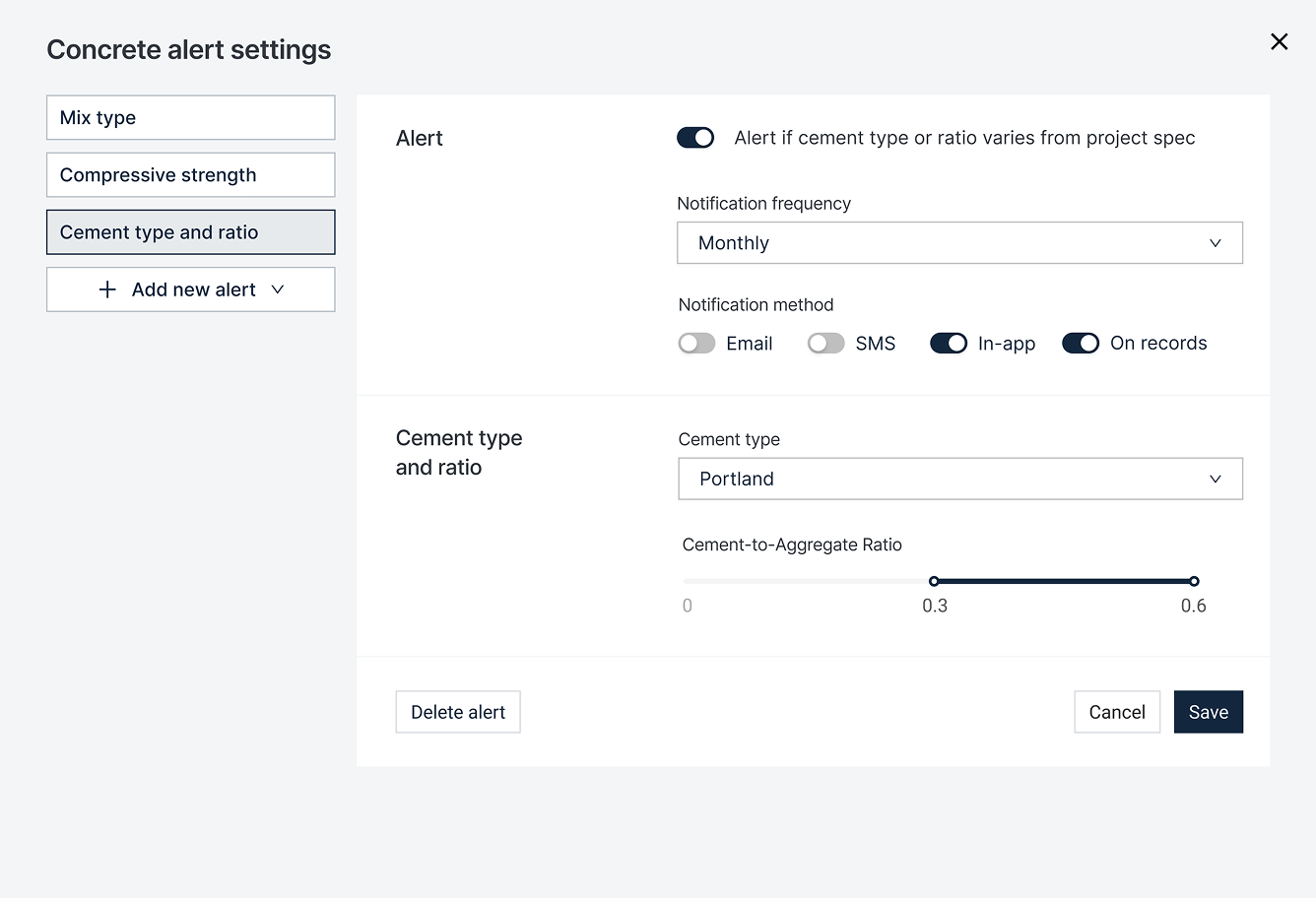
Once delivery data was captured, the system compared it against the original BIM specifications and project requirements. To explore how this information could be presented clearly, I began by sketching early concepts and creating low-fidelity wireframes to test different ways of structuring the data and highlighting potential issues.
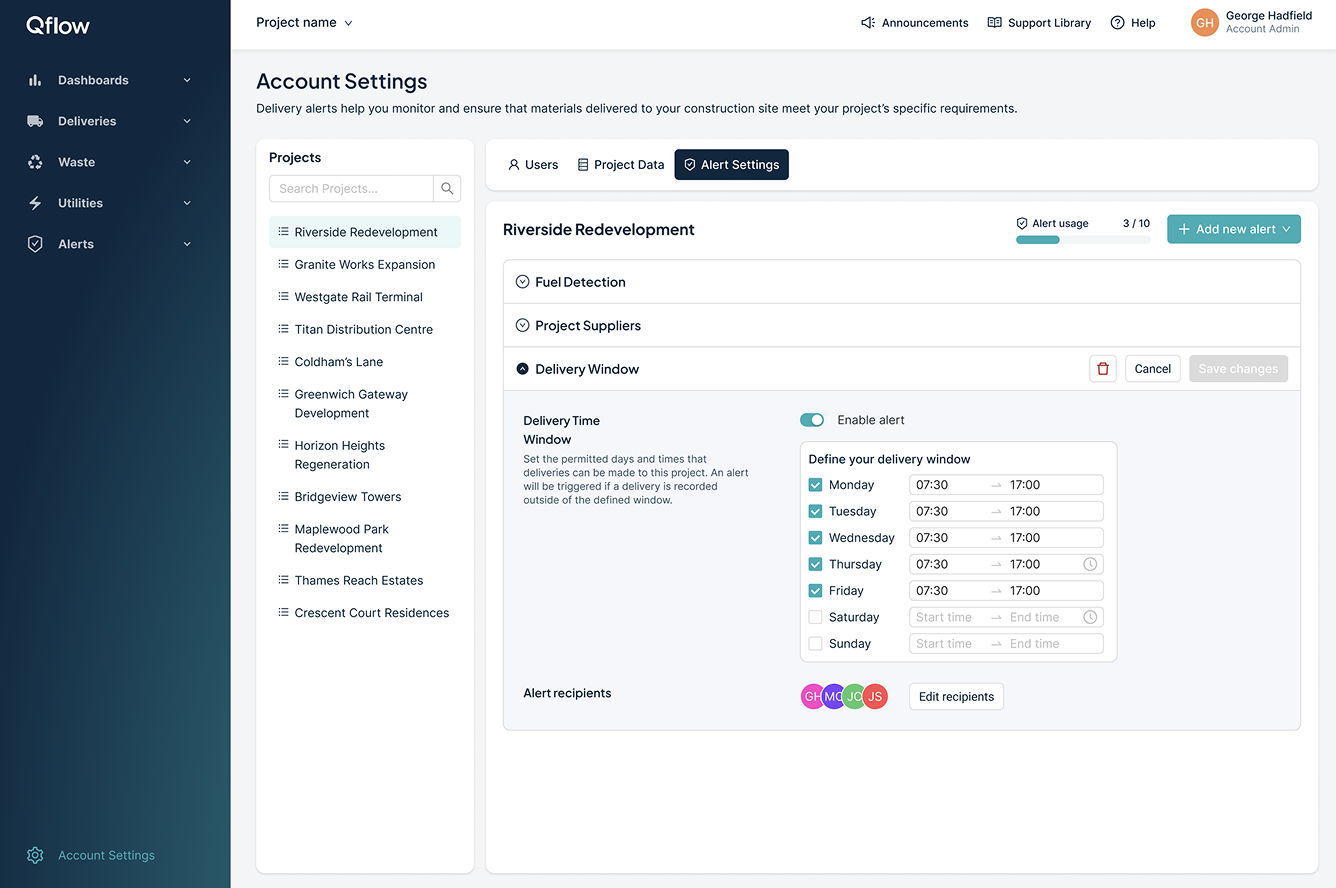
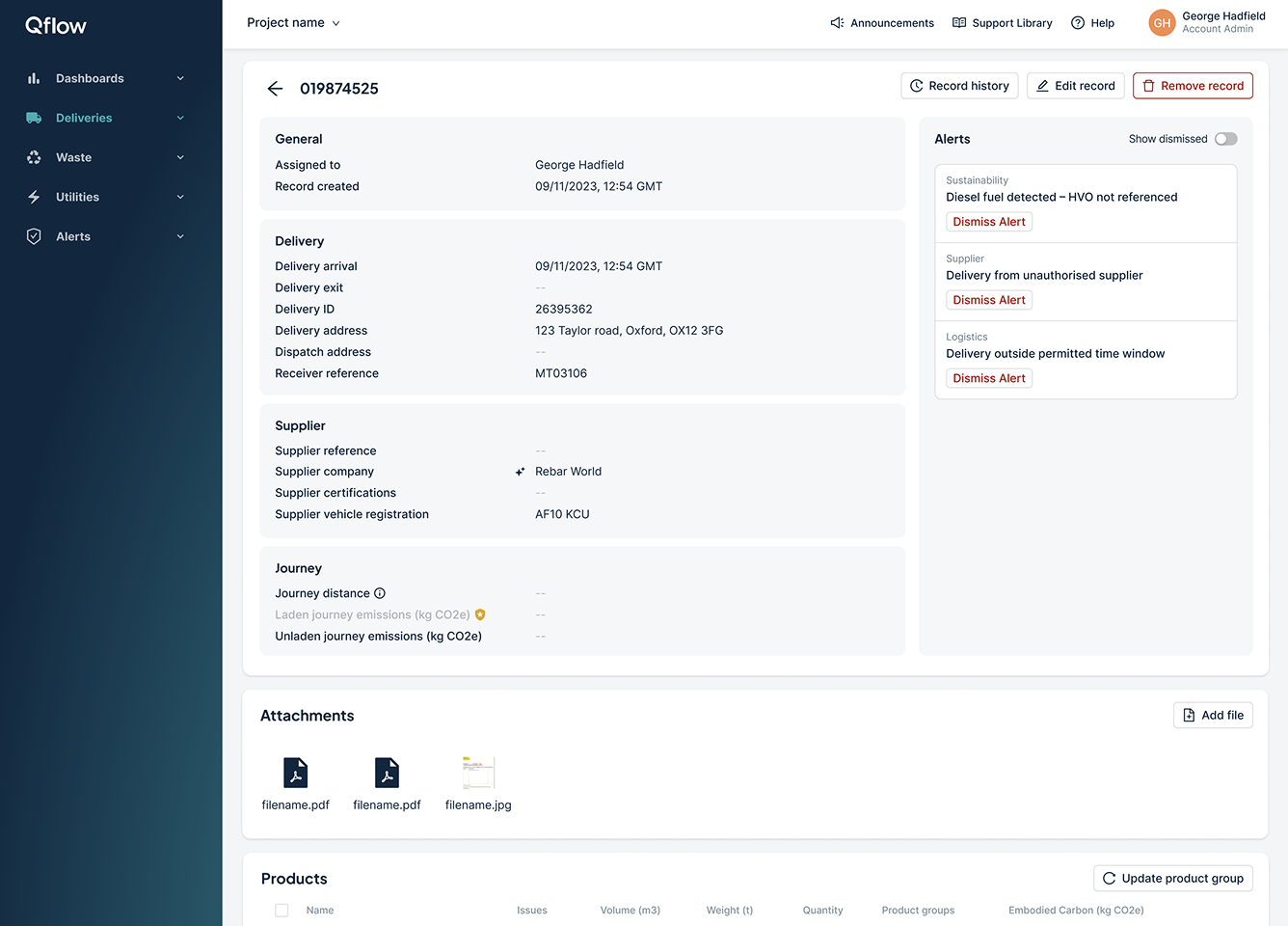
Through this process, the interface evolved to clearly show whether delivered materials matched the specification or required further attention. Visual indicators and structured data views helped users quickly interpret the status of a delivery.
This allowed project teams to immediately understand whether a delivery was compliant, uncertain, or potentially problematic.
Highlighting high-risk materials
Some materials carry higher risks due to safety, compliance, or environmental factors.
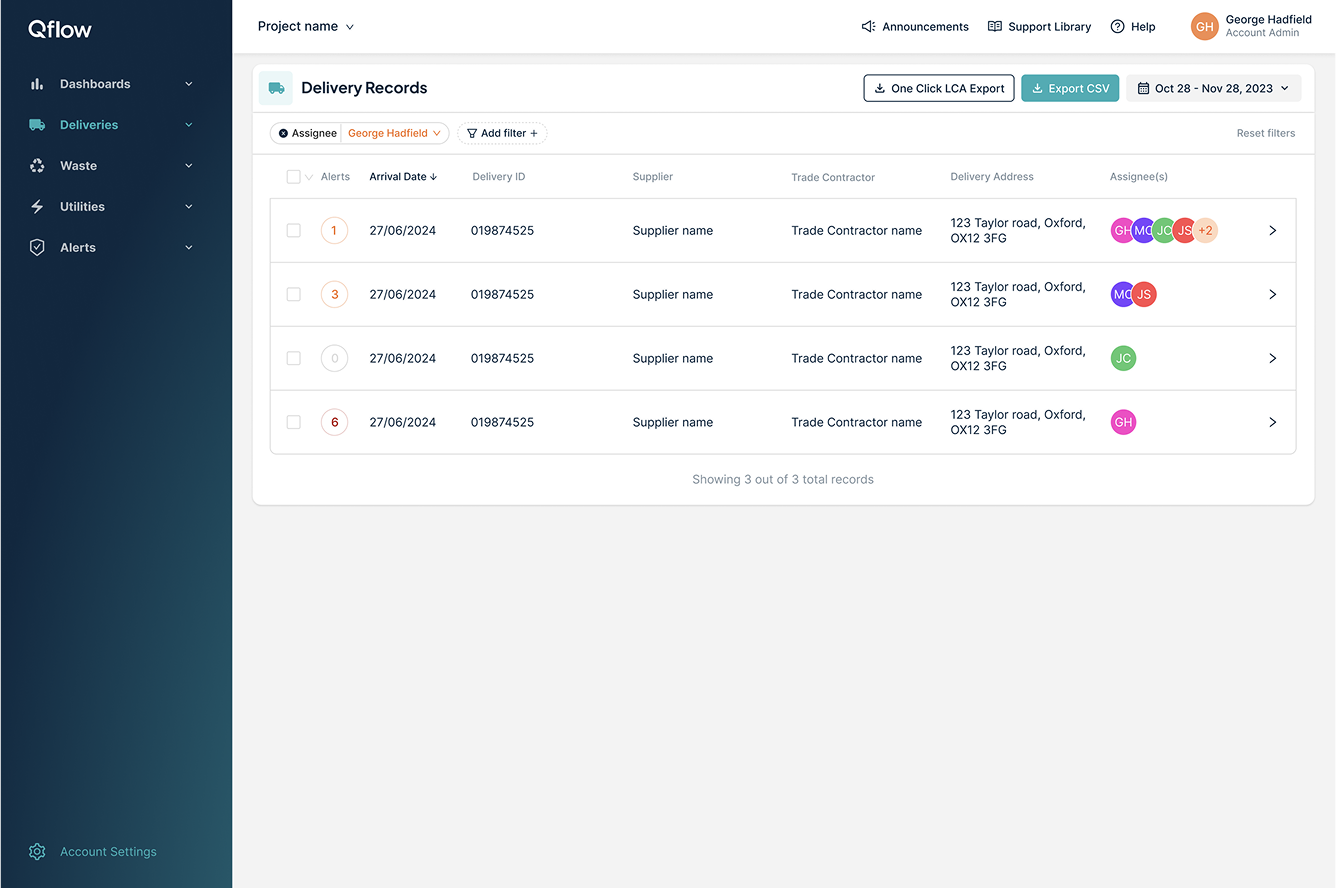
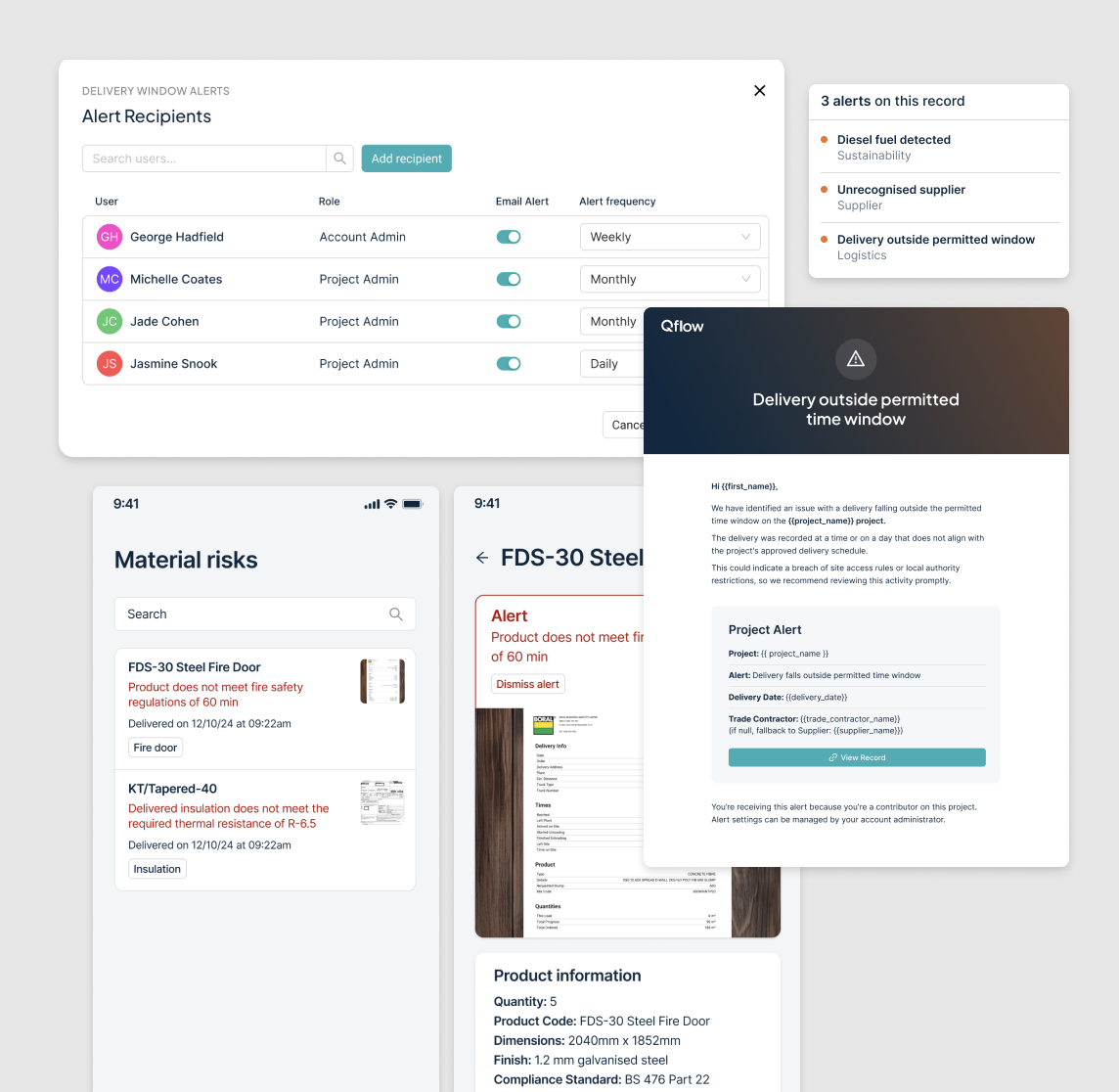
To help teams prioritise issues, the interface surfaced high-risk materials and provided contextual information explaining why certain products required additional verification.
This helped project teams focus their attention on the deliveries that mattered most.
Making complex information easier to understand
The system needed to communicate complex construction and compliance data in a way that was clear and actionable.
To achieve this, the interface used structured data views, visual indicators, and simplified language to help users quickly interpret the status of deliveries.
This reduced the cognitive load for site teams while improving confidence in the information being presented.
Outcome
The launch of the Materials Verification feature received highly positive feedback from both internal stakeholders and pilot users. Within the first month of rollout, teams reported a noticeable improvement in how deliveries were tracked and verified on site.
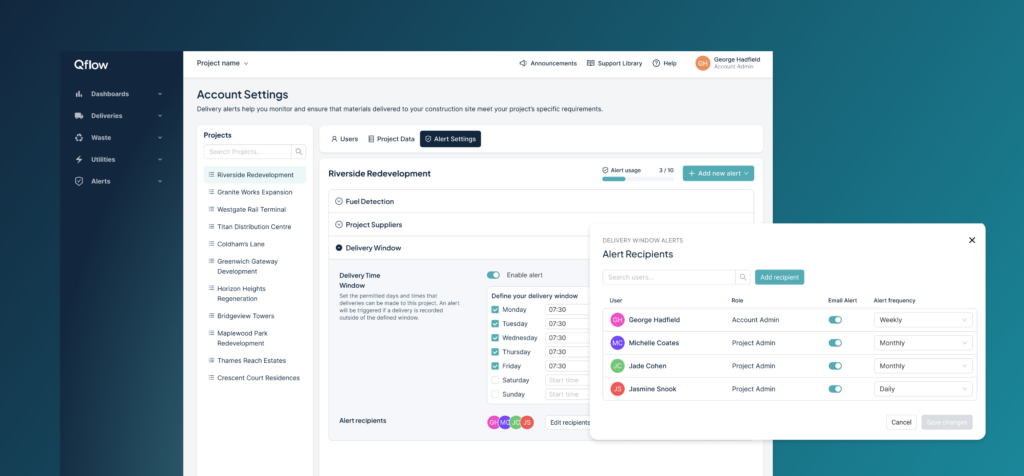
- 92% of users reported that the alert configuration flow was “easy” or “very easy” to use.
- Manual verification checks reduced by 40%, thanks to more targeted alerts and clearer delivery records.
- Time spent reviewing delivery documentation decreased significantly, helping streamline the handover process between suppliers and site teams.
- Several clients highlighted the email alerts and recipient controls as critical in keeping teams aligned without overwhelming them with unnecessary notifications.
- The feature helped shift materials verification from a largely manual process to a more structured and transparent workflow.
Key learnings
- Involving cross-functional teams early (product, commercial, engineering, and design) helped balance technical constraints with real user needs.
- Regular user testing uncovered edge cases that weren’t initially obvious, particularly around what information site teams actually need to track in real-world scenarios.
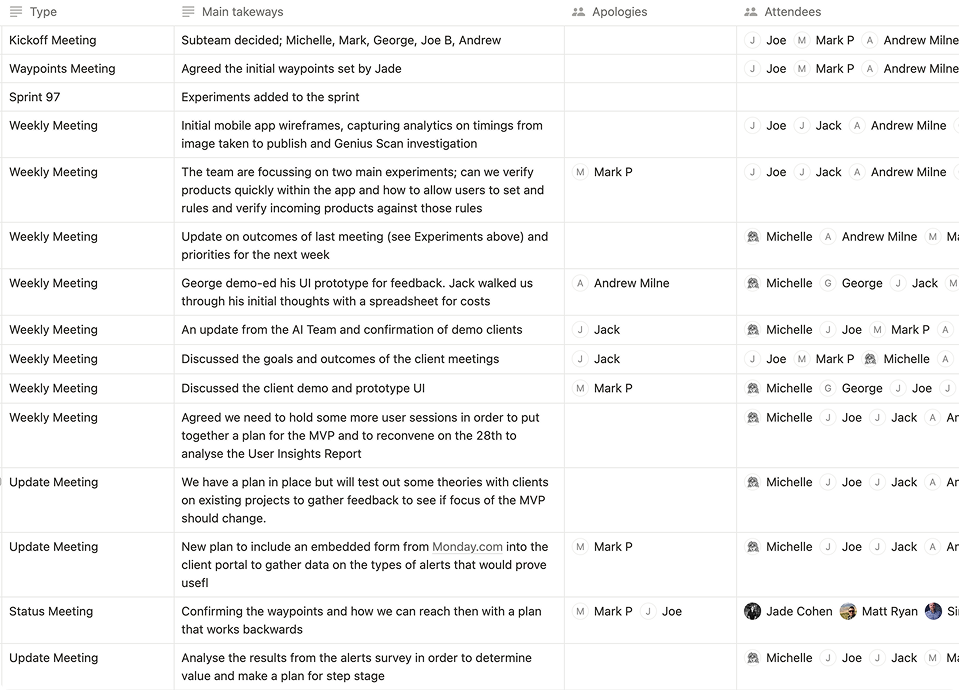
- Iterating quickly through focused hypotheses and weekly feedback loops allowed the team to move fast while keeping the product grounded in real user behaviour.
Visual foundations & rebrand
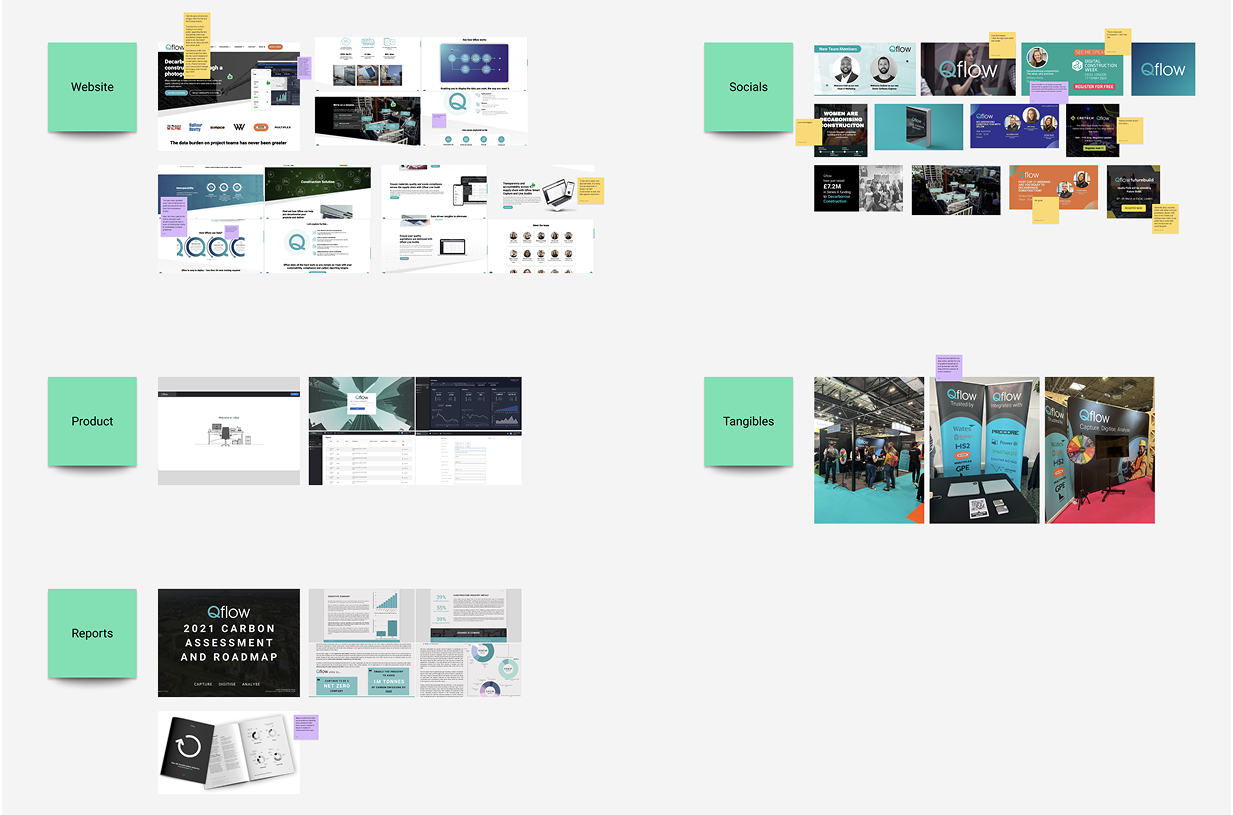
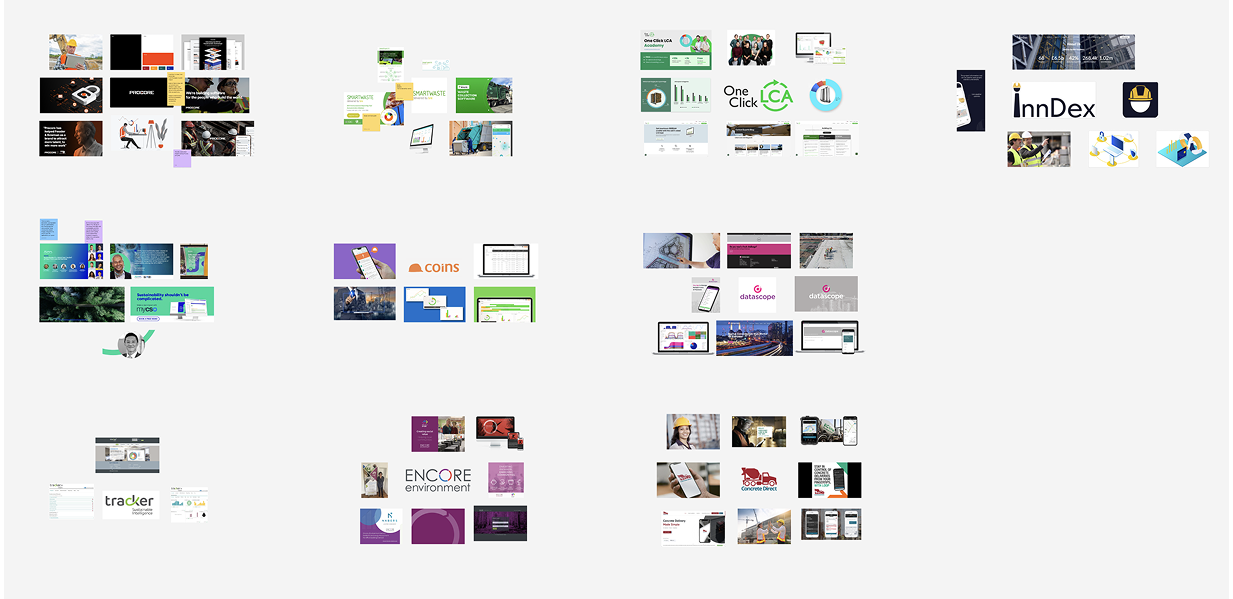
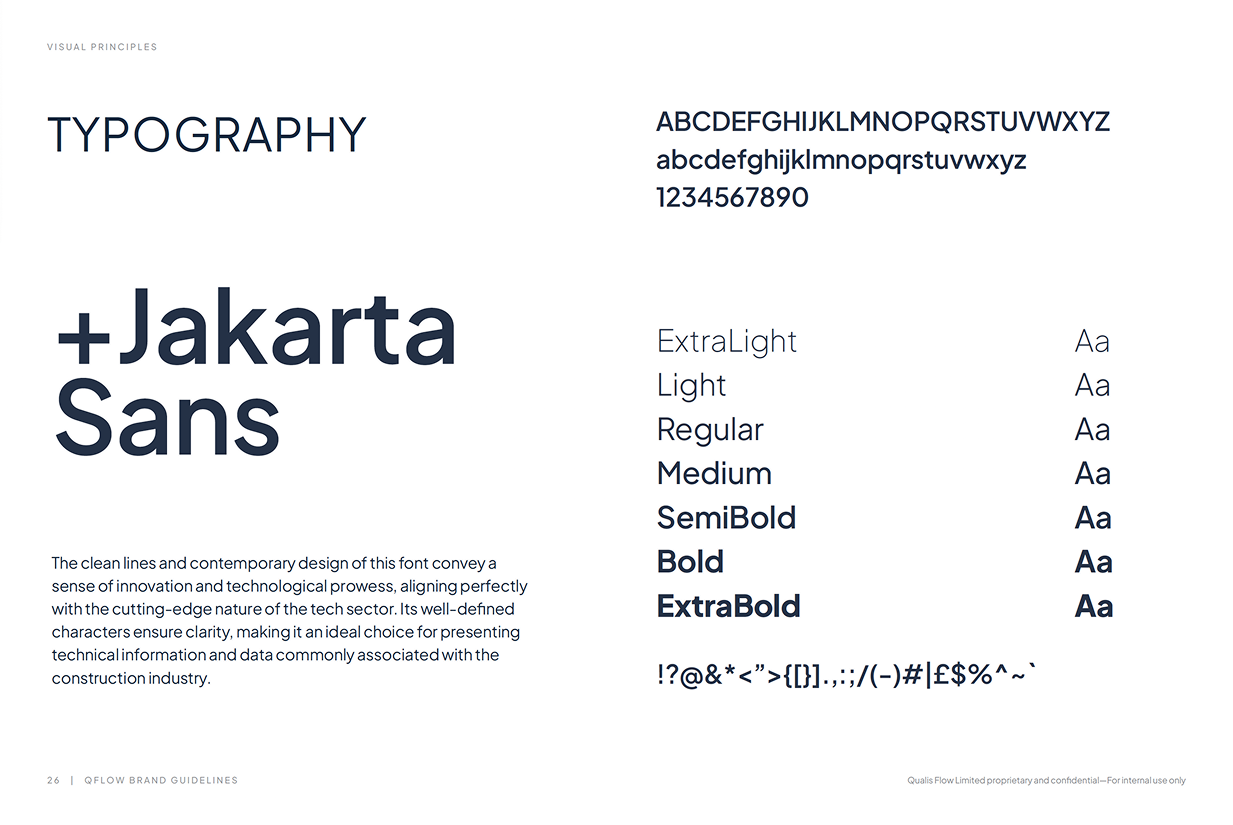
When I joined Qflow, I was the first and only designer in the company. One of the initial challenges was that the product had grown quickly without a cohesive visual language or consistent UI patterns.
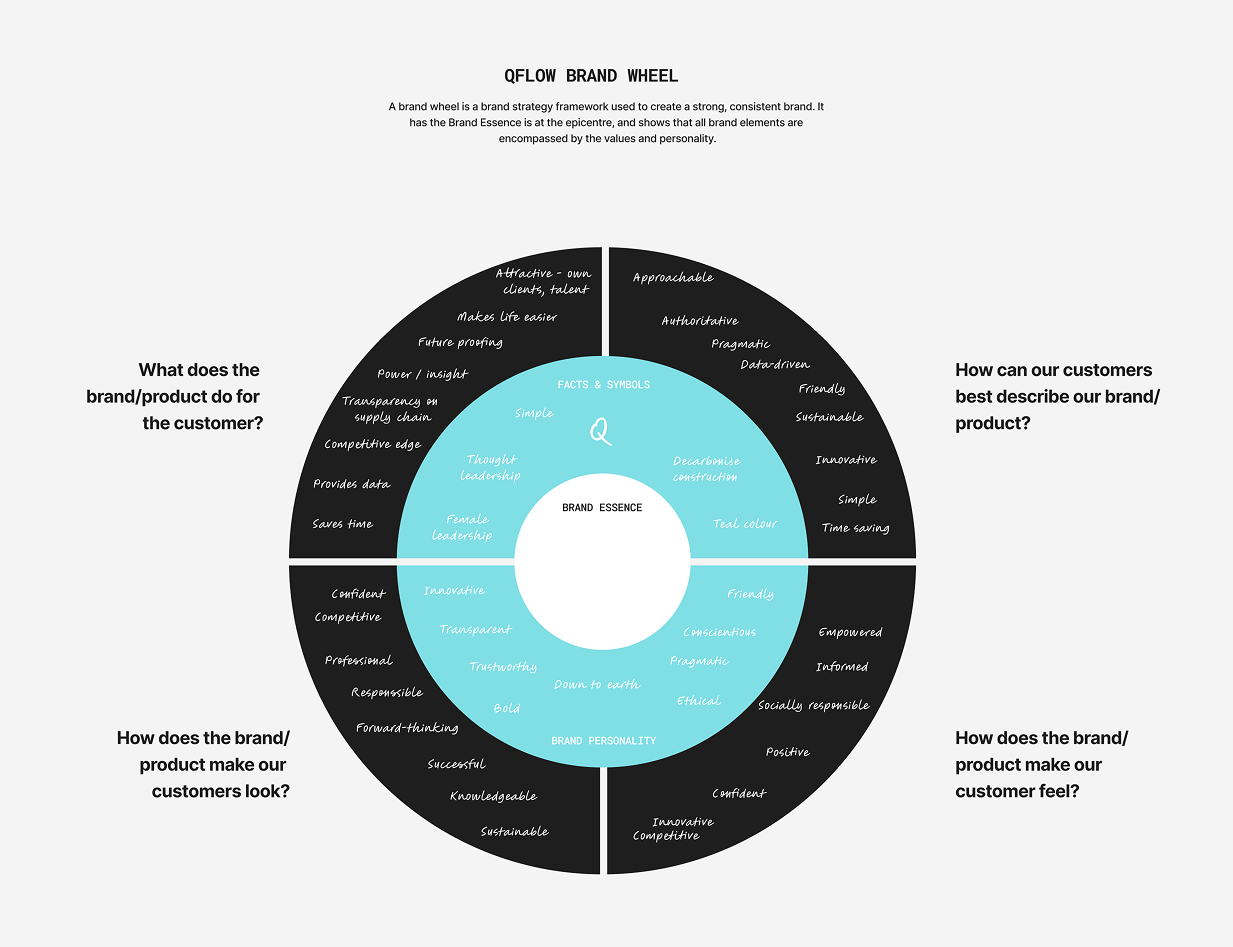
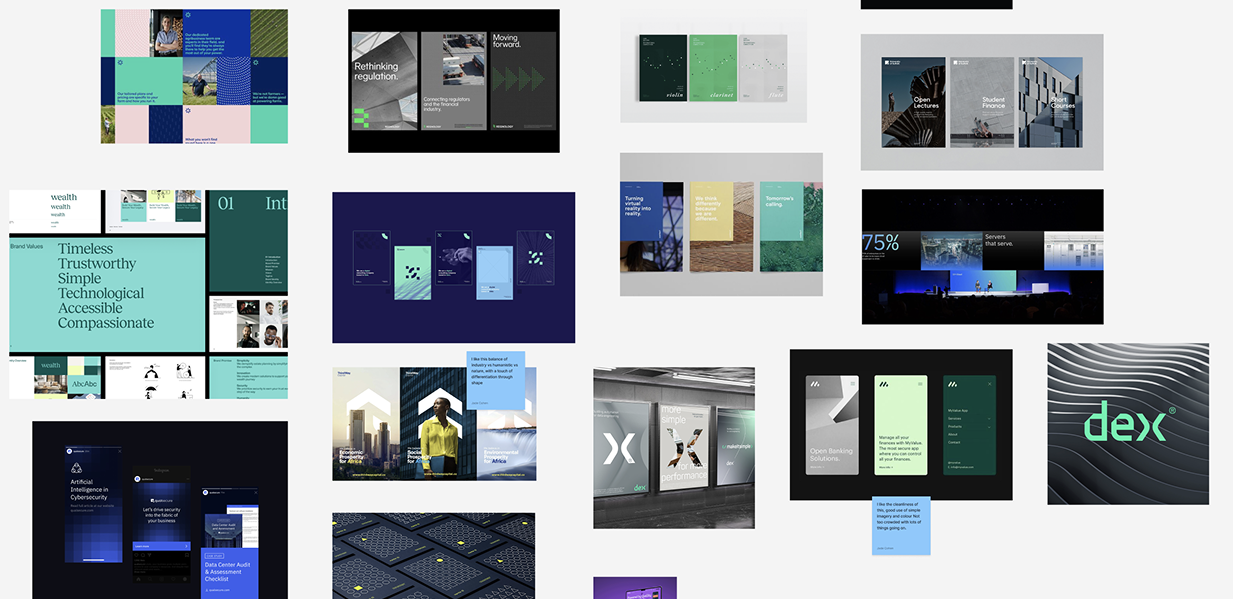
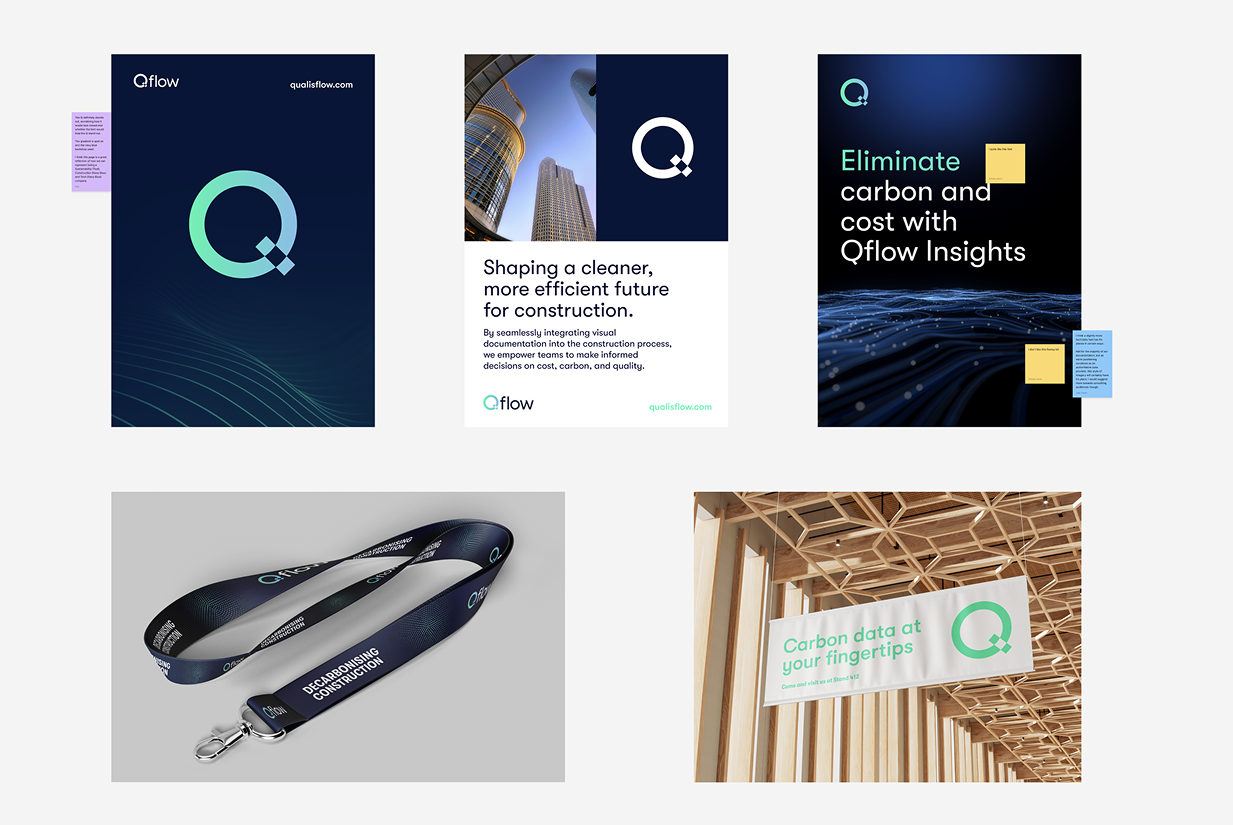
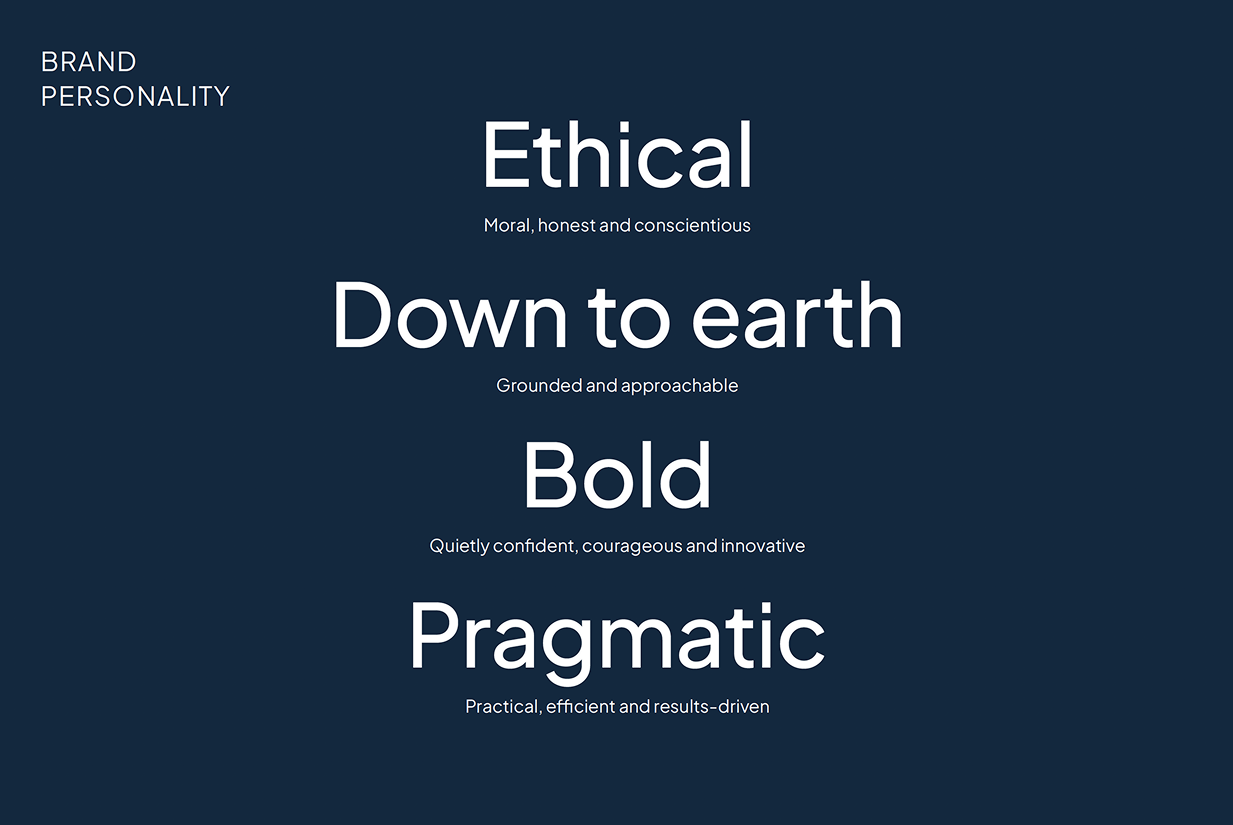
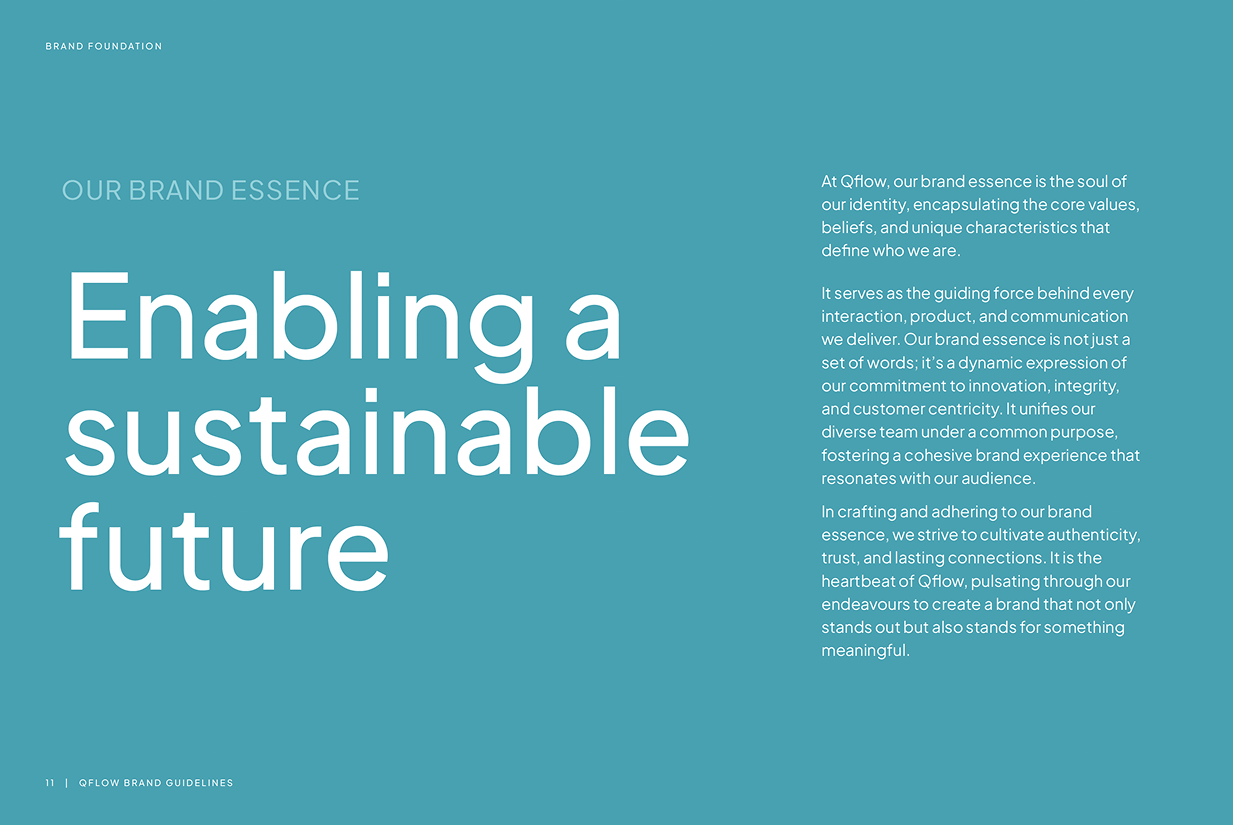
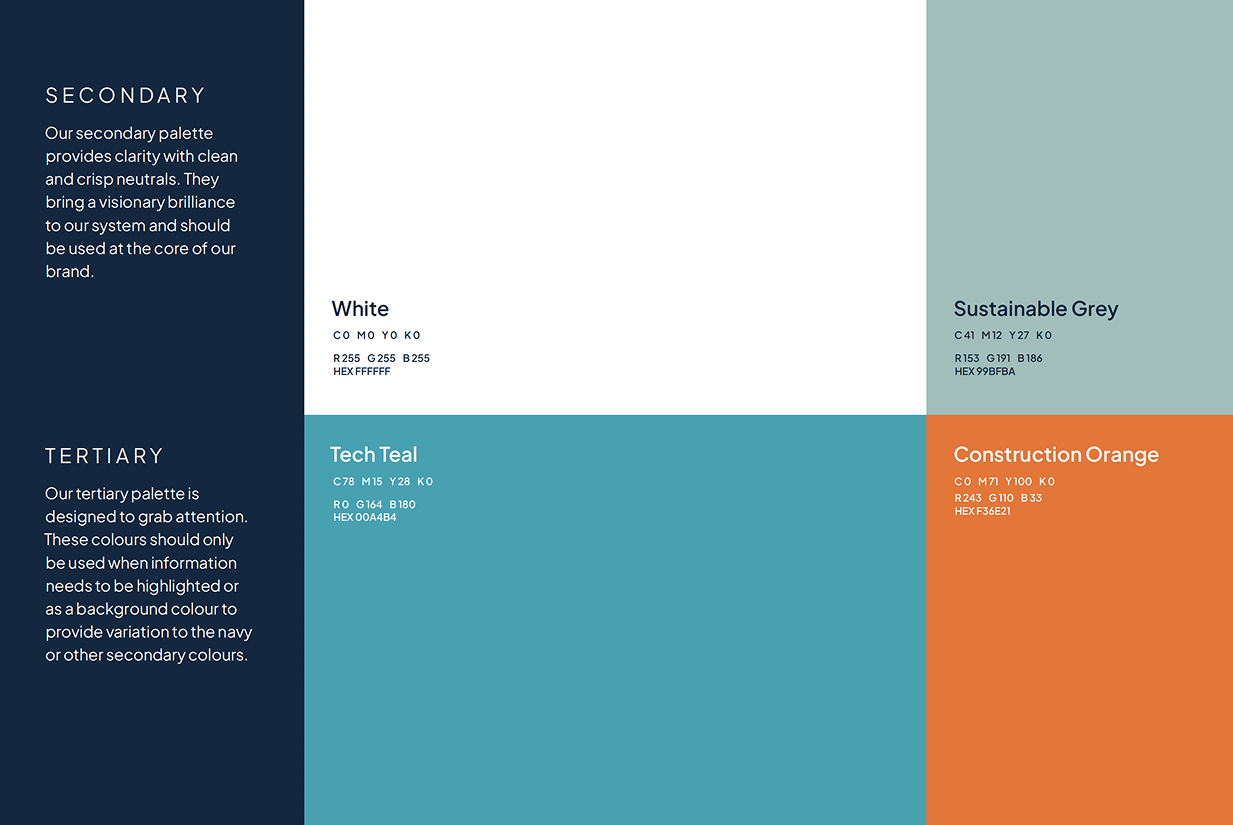
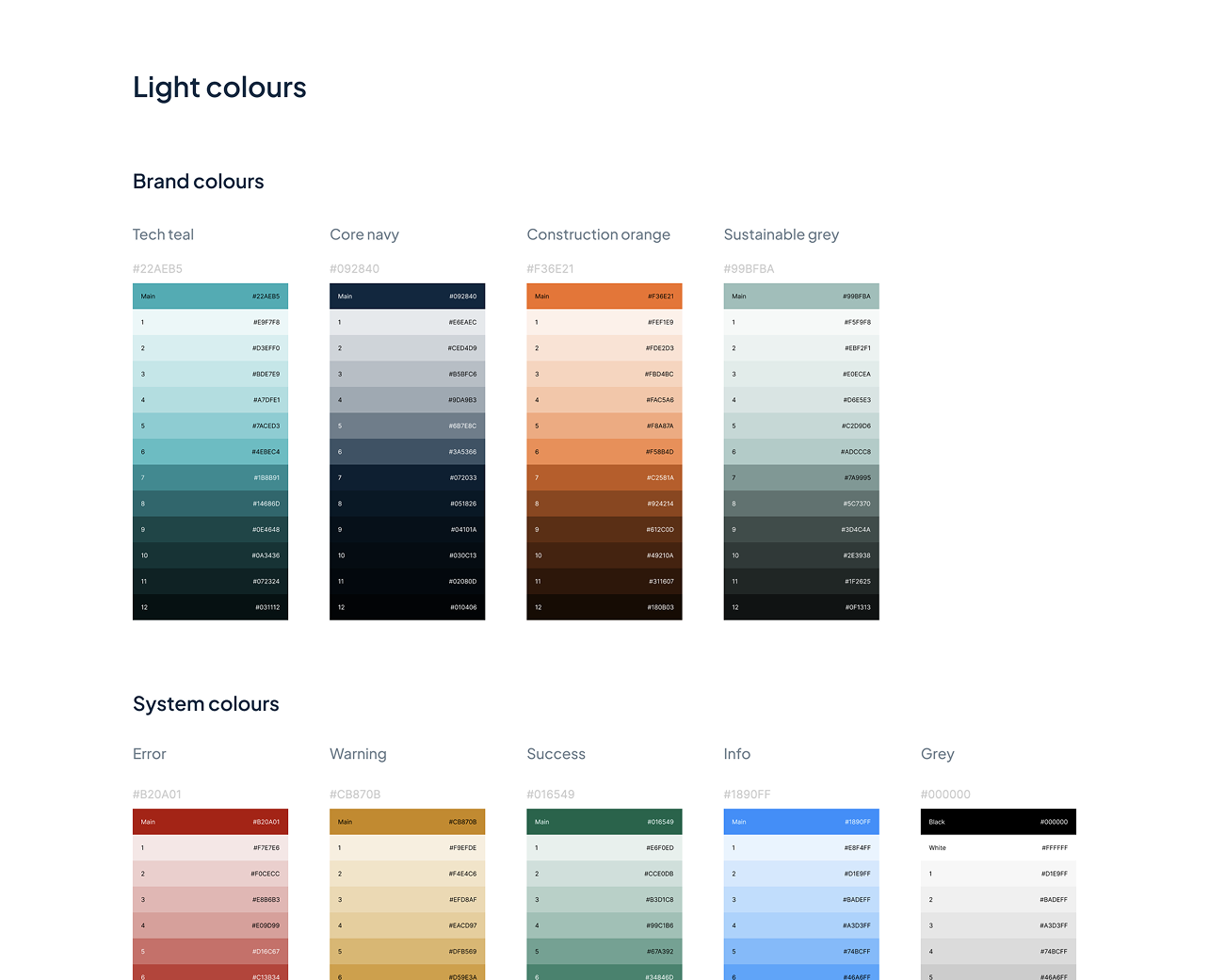
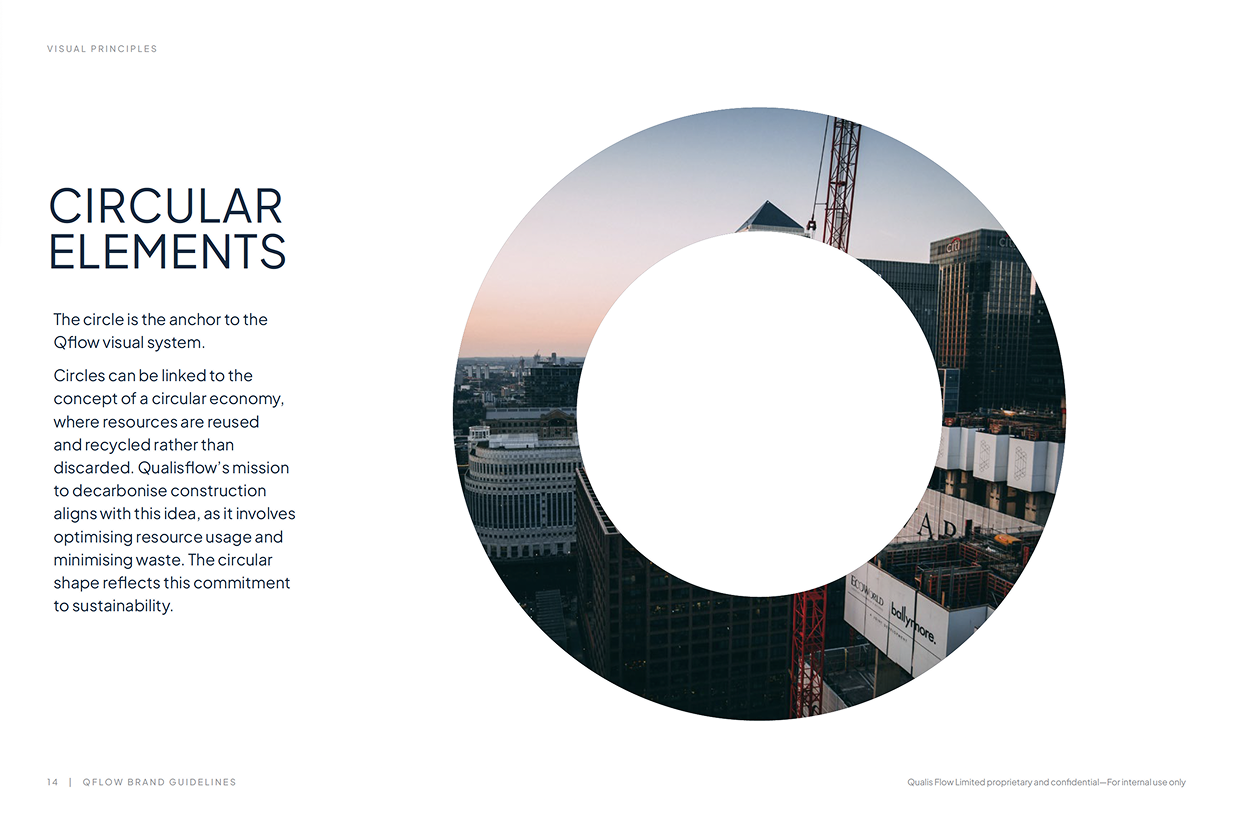
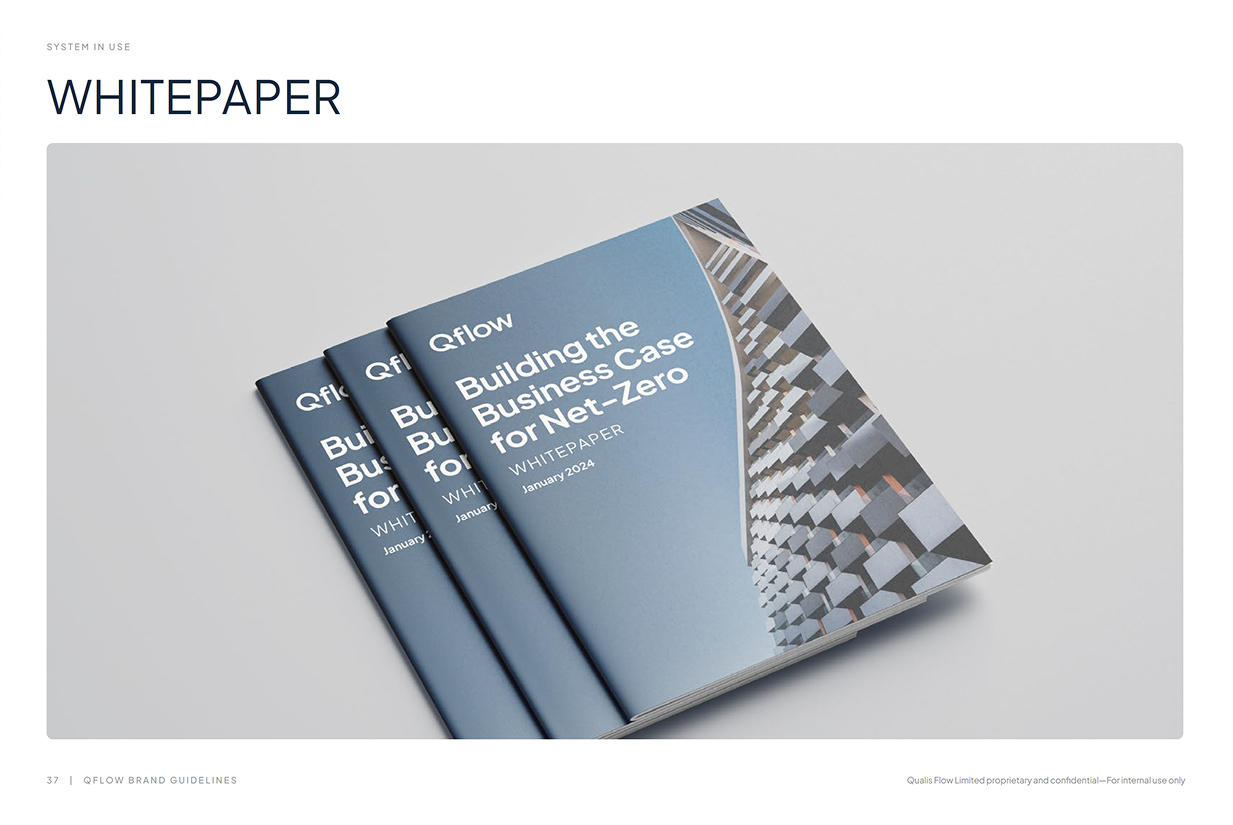
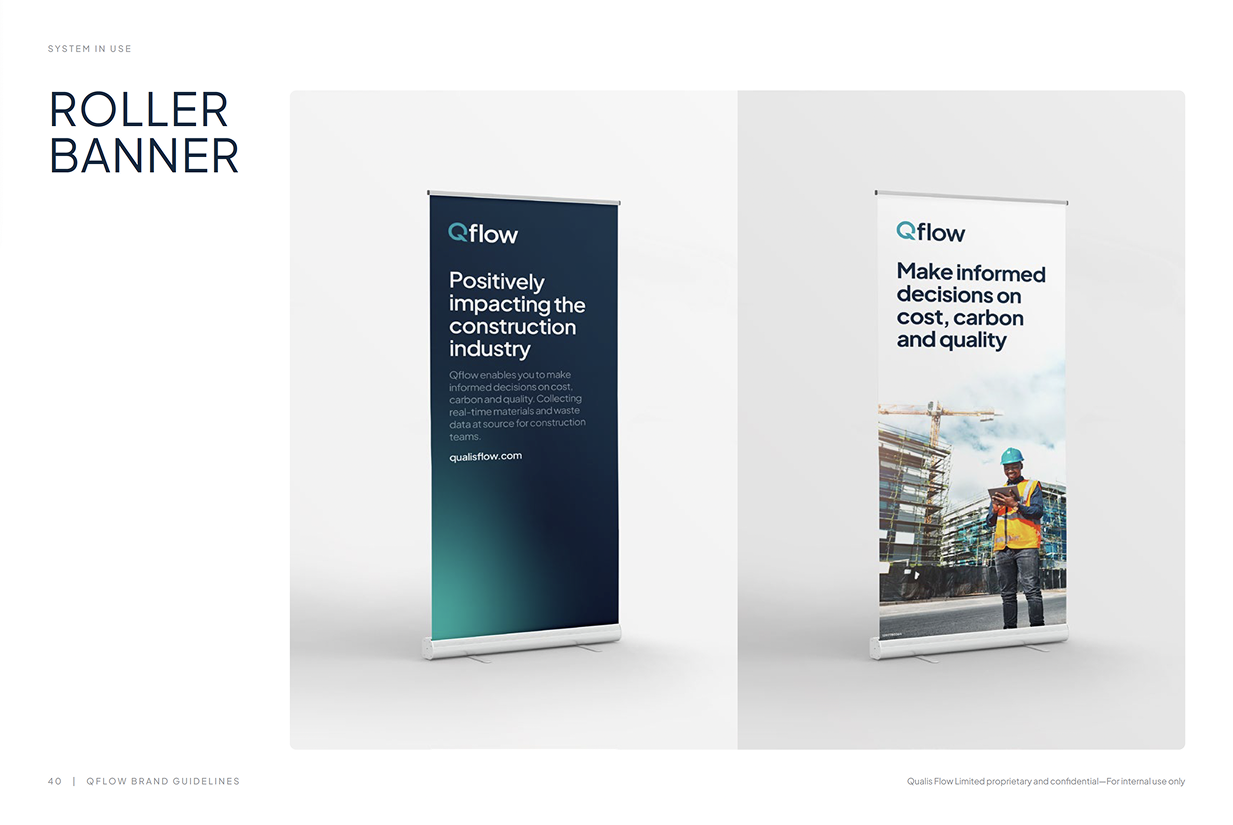
To support the platform redesign and ensure a strong foundation for future product development, I initiated and led a brand refresh alongside the product work. The goal was to create a clearer and more modern visual identity that could translate effectively into the digital product.
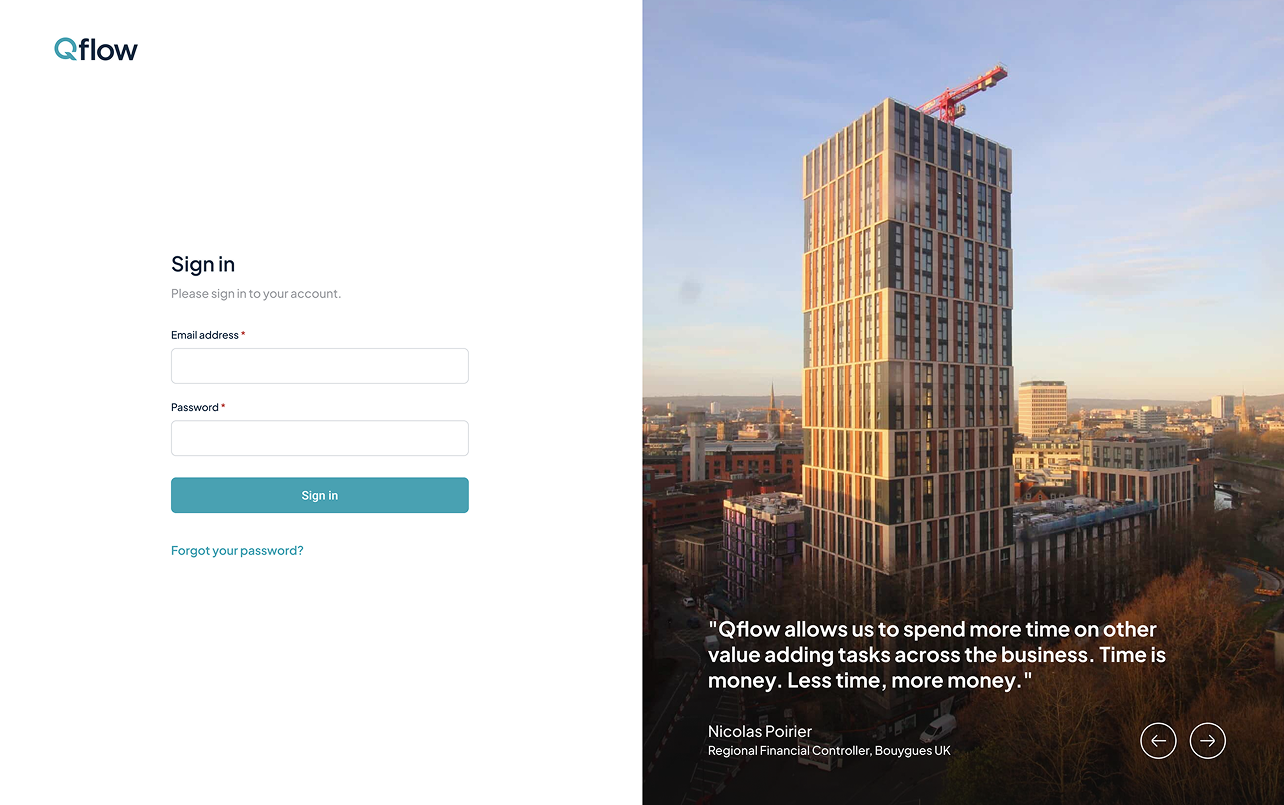
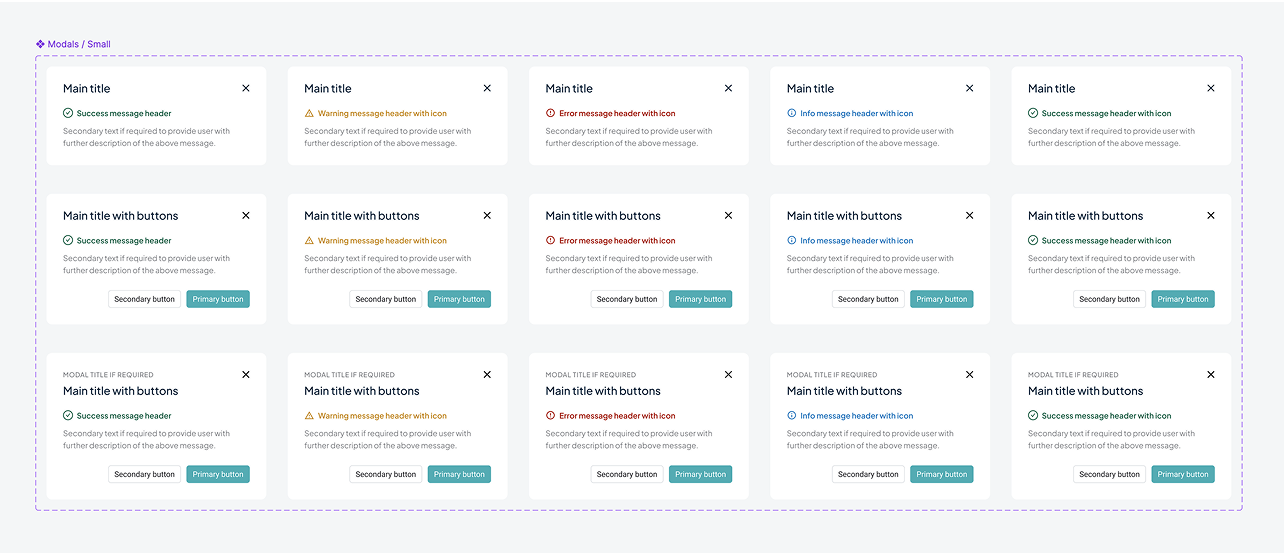
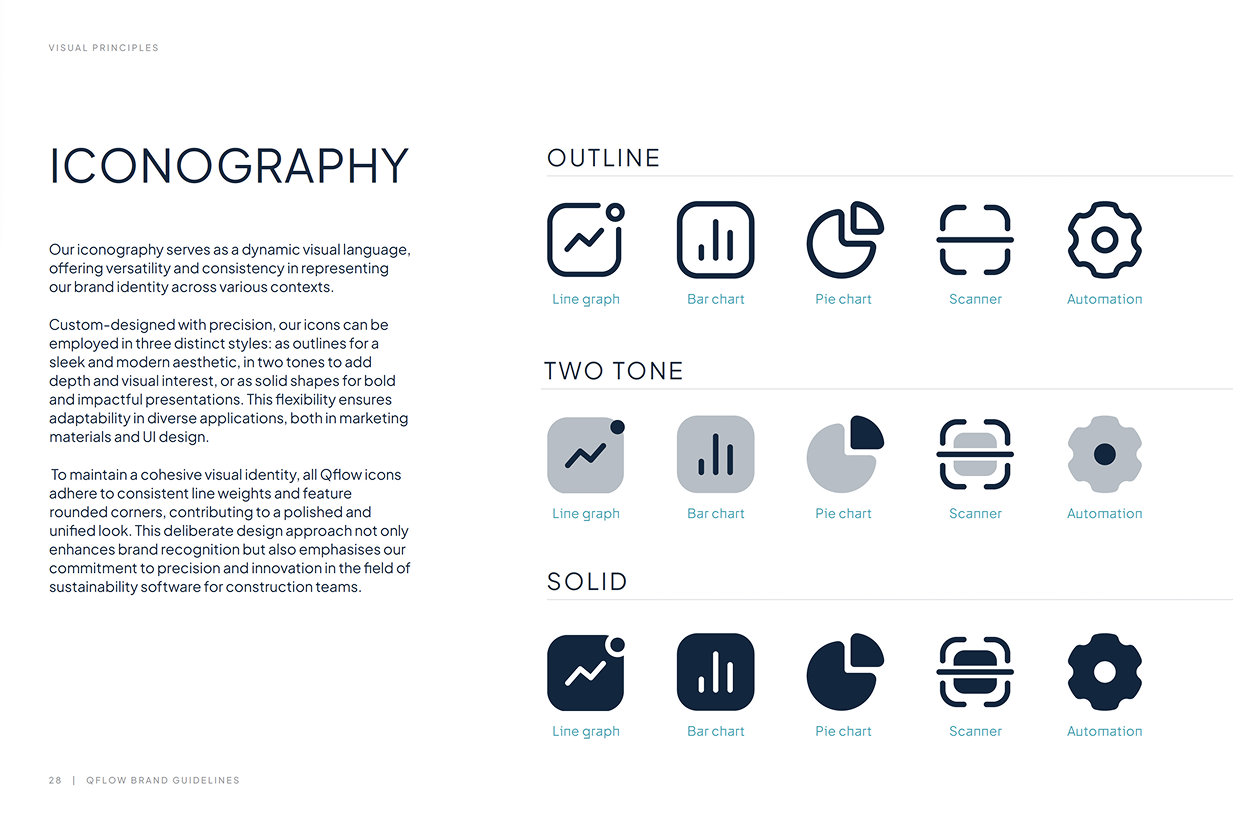
Following the brand work, I designed and implemented a design system to support the platform redesign. This introduced consistent components, layout patterns, and interaction behaviours that could be reused across the product.
The design system helped improve consistency, streamline collaboration with engineers, and significantly speed up product development. It continues to be used across the platform today.